


Your workout on the TV
See the set, the rest and your records in large type from the bench. Your phone stays the remote.
Works with: Chromecast, Google TV, Android TV and AirPlay.
How it works
Open “This workout”
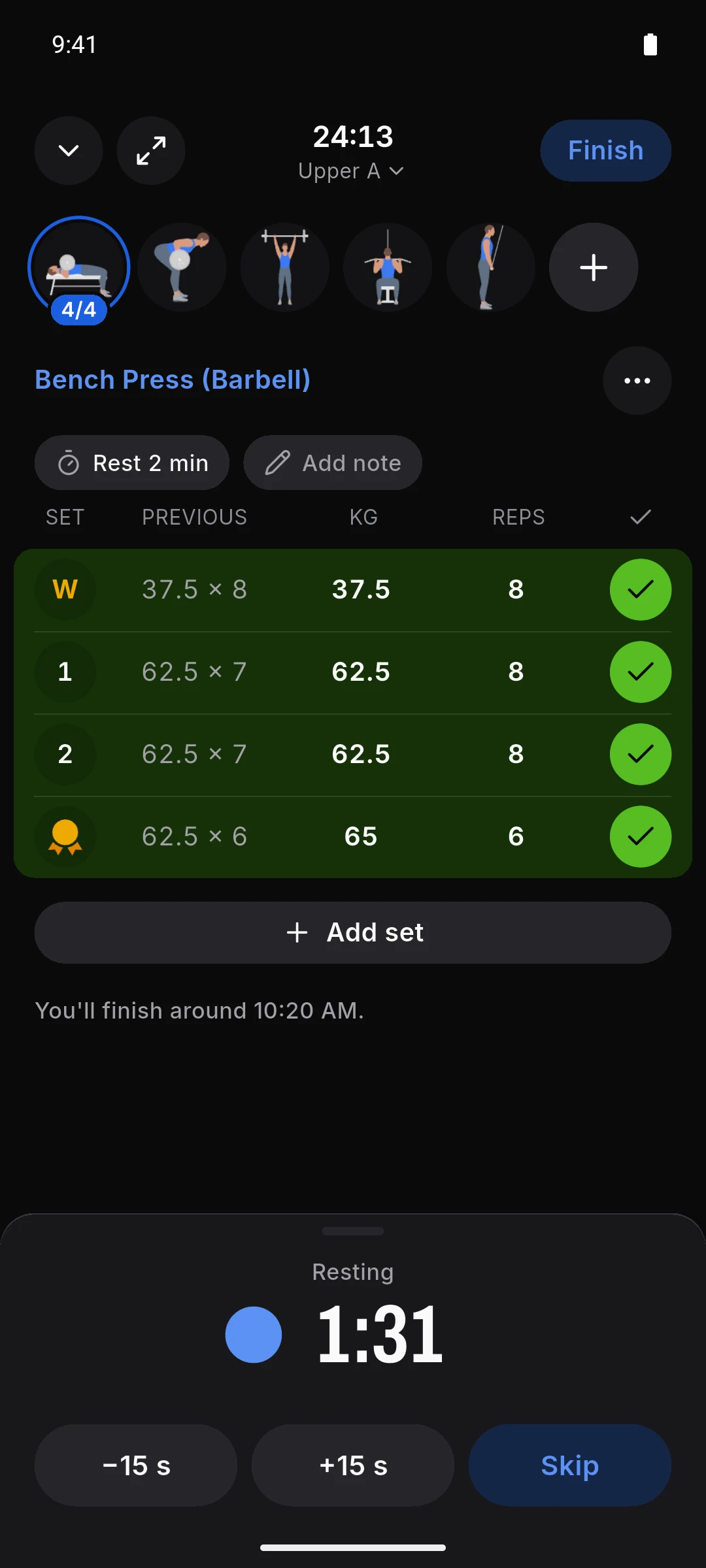
During your workout, tap the routine’s name at the top.
Tap “Show on TV”
The TV has to be on the same Wi-Fi as your phone.
Pick your TV
Your phone’s screen stays on, and the TV stops what it’s playing.
What you see on the TV
The set
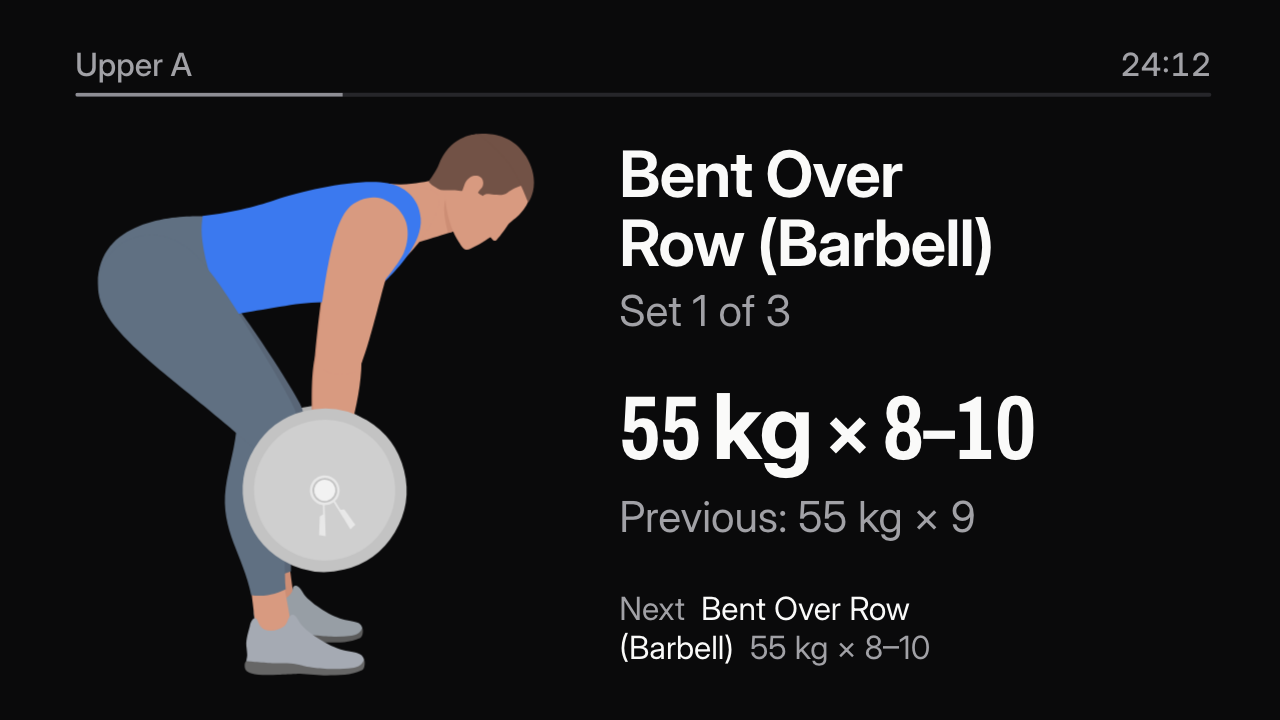
The exercise’s figure, the weight and reps that are due, and what you did last time.
Bent over row, set 1 of 3: 55 kg for 8 to 10 reps. Previous: 55 kg for 9. Per side: 15 kg and 2.5 kg.
The rest and your records
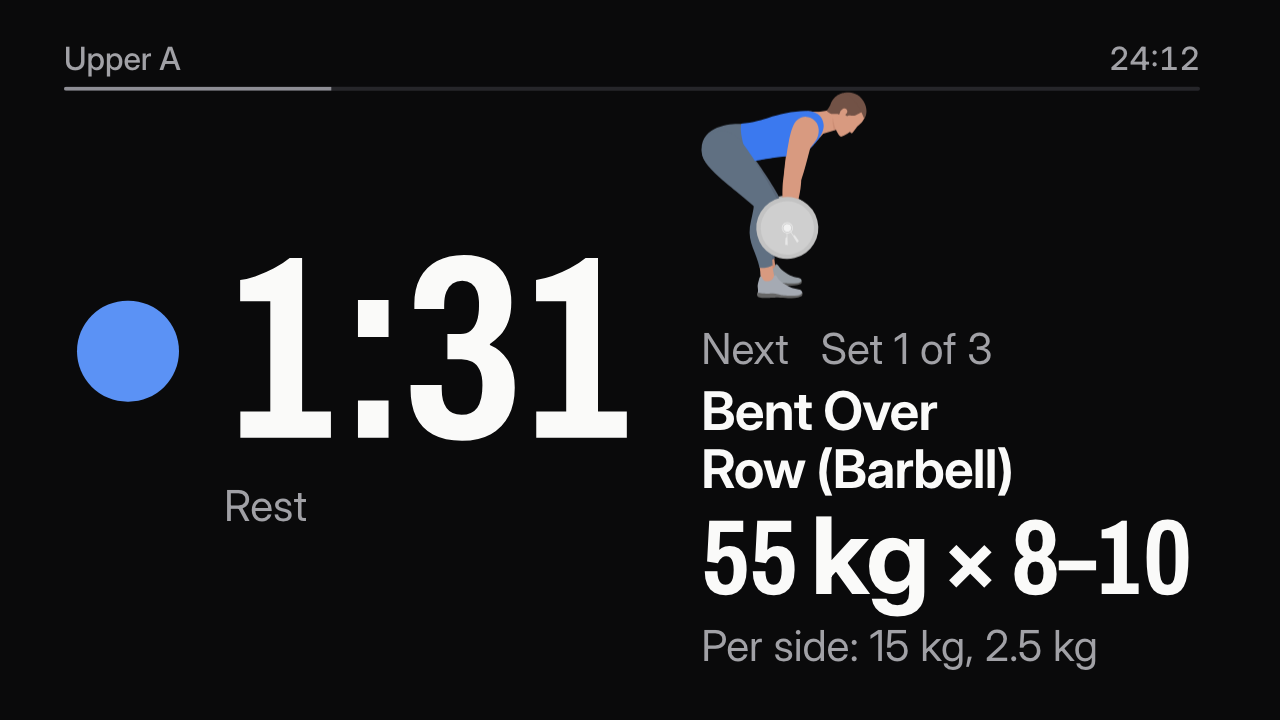
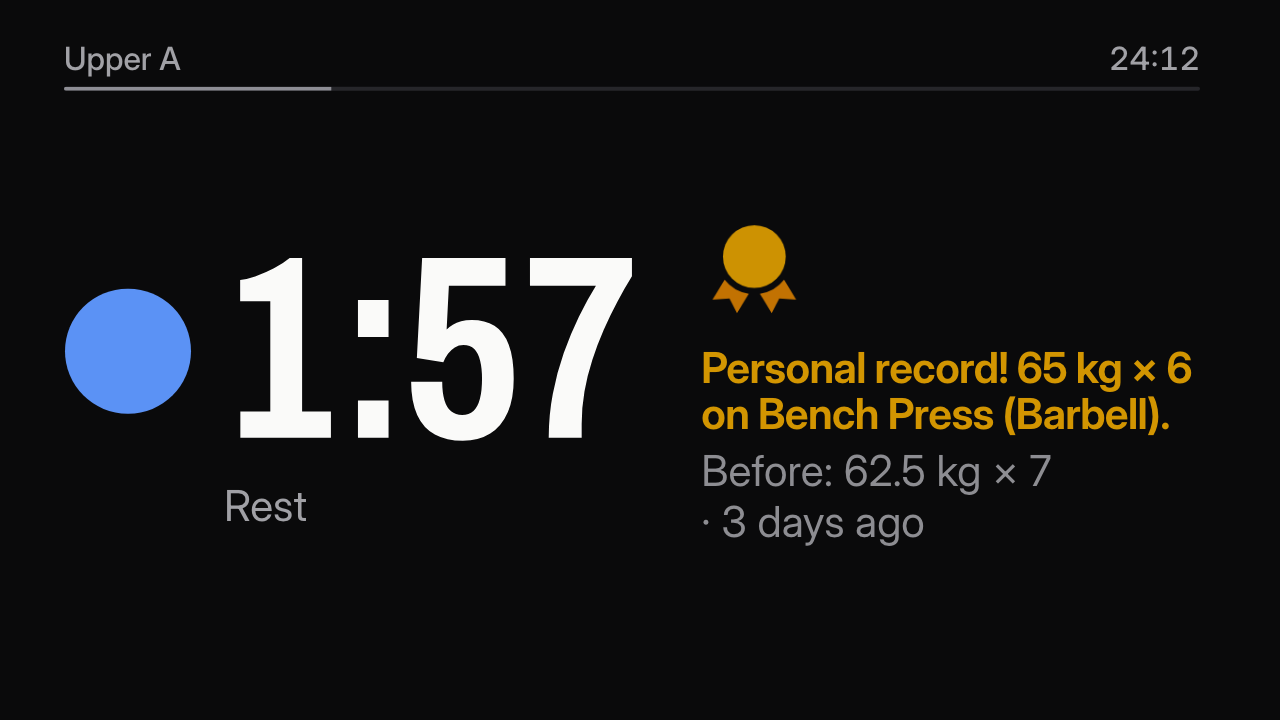
The countdown in large type, with the next set and the plates per side. Set a record and it shows beside the countdown. At zero, the TV rings.
A 1:57 rest with the record: 65 kg for 6 on the bench press. Before: 62.5 kg for 7, 3 days ago.
The summary
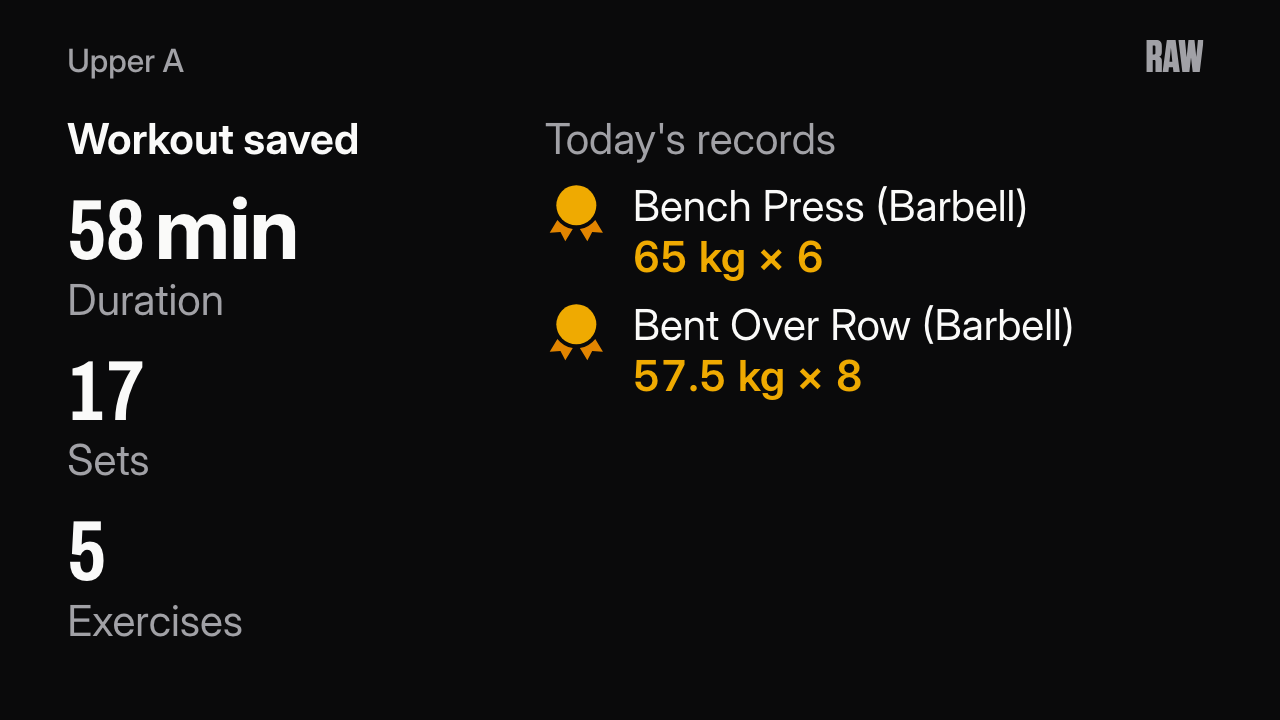
When you finish, the duration, the sets, the exercises and today’s records.
A 58 min workout, saved, with today’s records: bench press, 65 kg for 6, and bent over row, 57.5 kg for 8.
Where it works
- Android
- With Chromecast, Google TV and Android TV sets with Chromecast built-in.
- iPhone
- With AirPlay and Chromecast.
- Price
- Free, for everyone.
Your workout stays at home
- Your phone talks to the TV over your Wi-Fi. Nothing goes through RAW’s server.
- The TV never gets your body weight, your notes or how you felt.
- The TV stops showing it when you tap “Stop showing” or finish your workout.