

Your workouts in Home Assistant
Turn the gym lights on when you start, flash them when a rest ends, and see your week on a dashboard. RAW sends it from your phone straight to your Home Assistant.
How to add RAW
Install it in Home Assistant
In Home Assistant 2026.11 or later, go to Settings › Marketplace › Add from link, paste github.com/randyesperben/getraw-home-assistant and install RAW: Strength Training.
Add the integration
Go to Settings › Devices & services › Add integration and pick RAW. Home Assistant shows a QR code.
Scan it with your phone
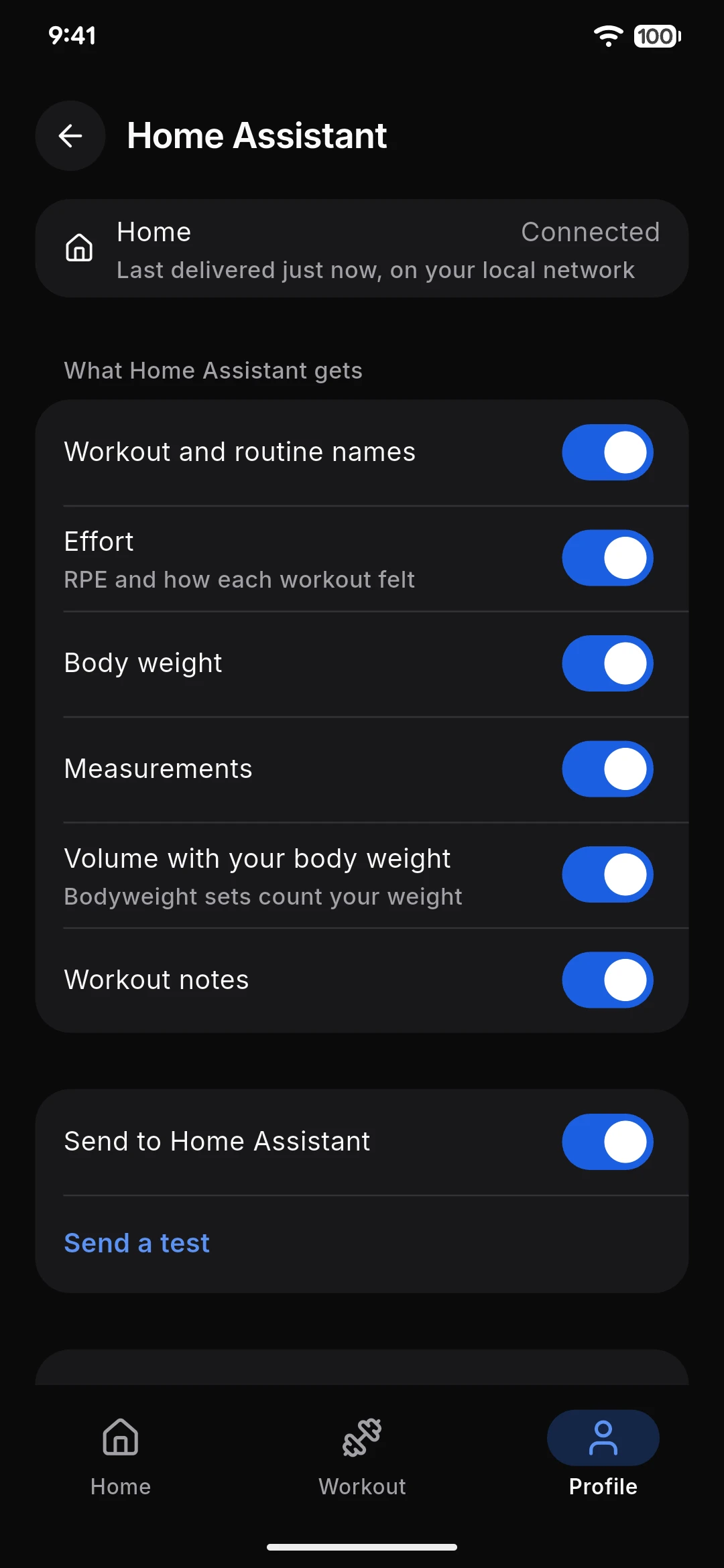
RAW opens and lists what it will send. Tap Connect, then go back to Home Assistant to finish.
What reaches Home Assistant
The workout in progress
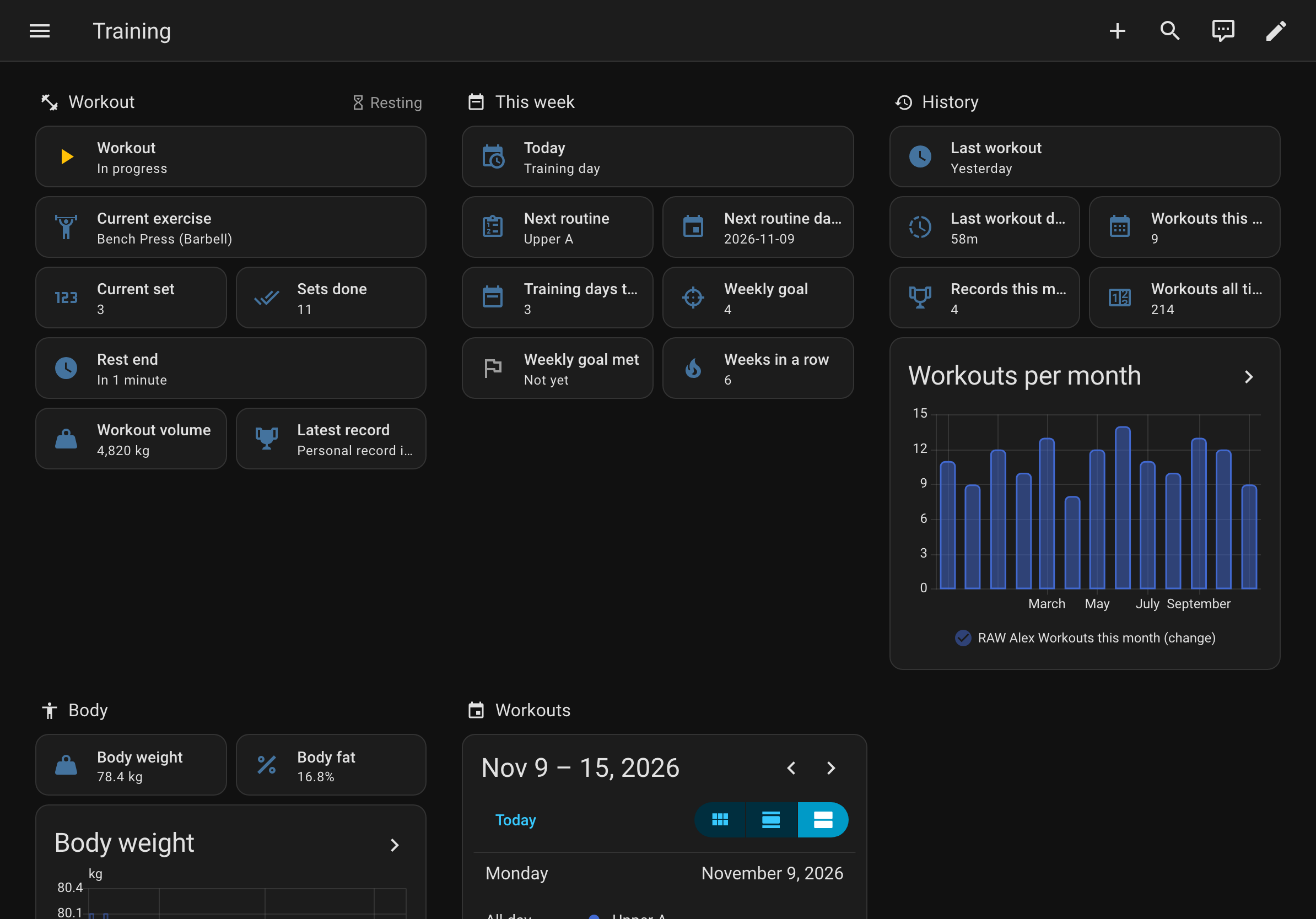
- Workout, Phase, Current exercise, Current set, Sets done, Rest end and Workout volume, as you train.
- Sets you complete from the lock screen arrive too, with RAW closed.
Workout events
- One event for each moment: a workout started, a set done, a rest started or ended, a record, a workout finished.
- Home Assistant fires the end of a rest itself, on time, with your phone locked.
Your training history
- Today’s plan, your training days this week against your goal, and your weeks in a row.
- This month’s workouts and records, your last workout, and a Workouts calendar with your past and planned days.
Your health data and names, if you allow them
- Workout and routine names, body weight and measurements, the effort and feeling of your last workout, volume with your body weight, and workout notes.
- Each one is a switch in RAW. While one is off, Home Assistant shows its entities as unavailable.
Five automations, ready to import
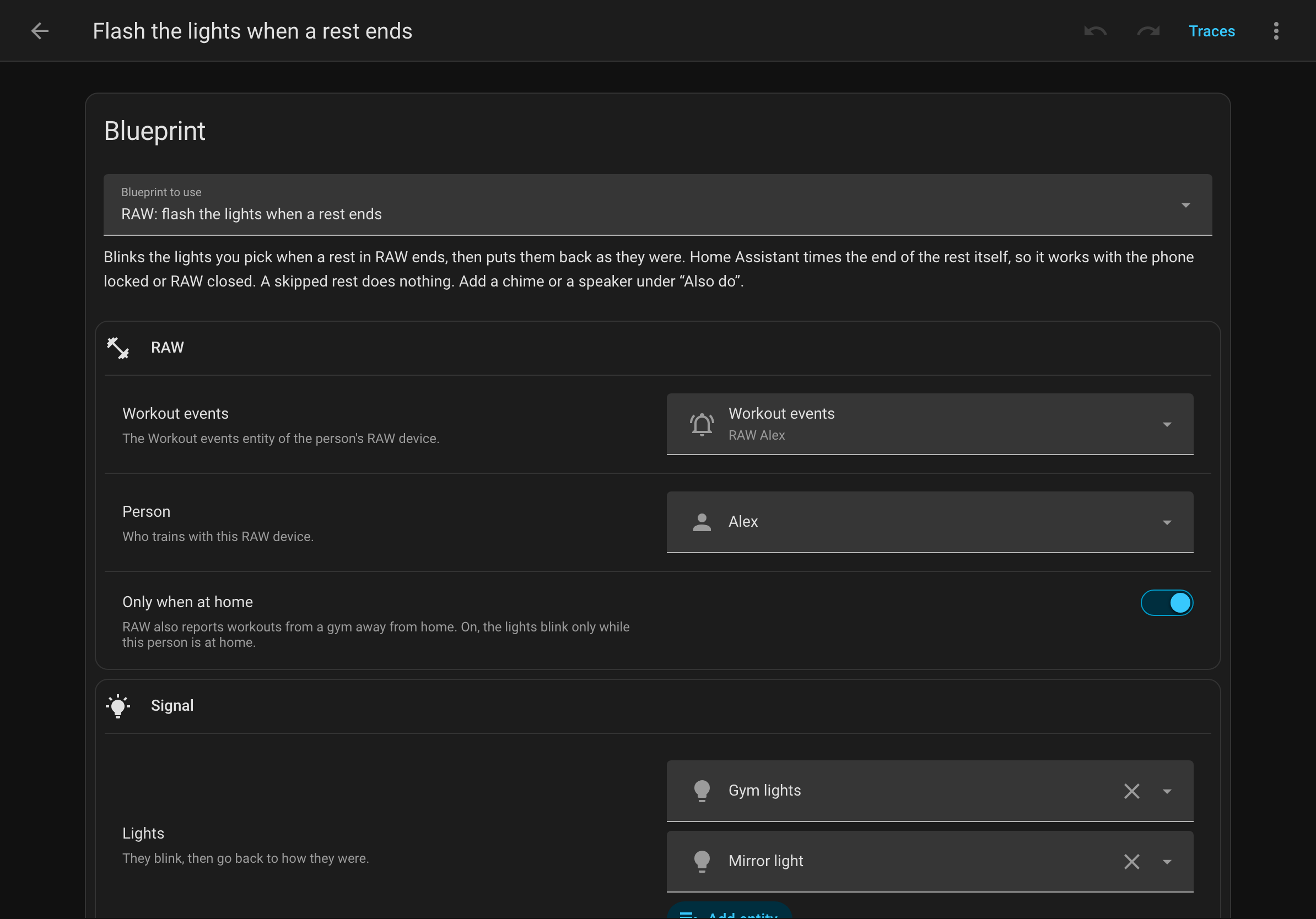
Each one asks for your RAW entities and the person who trains, and can run only while that person is at home.
A scene for the workout
One scene when a workout starts, another when it ends.
Import: A scene for the workoutFlash the lights when a rest ends
The lights blink, then go back as they were.
Import: Flash the lights when a rest endsCelebrate a record
Lights in a color, and the record read aloud on a speaker.
Import: Celebrate a recordWeekly goal reminder
A notification on the day you pick while the week’s goal is still open.
Import: Weekly goal reminderRest timer
Your rest on a timer helper, counting down.
Import: Rest timer
Ask your voice assistant
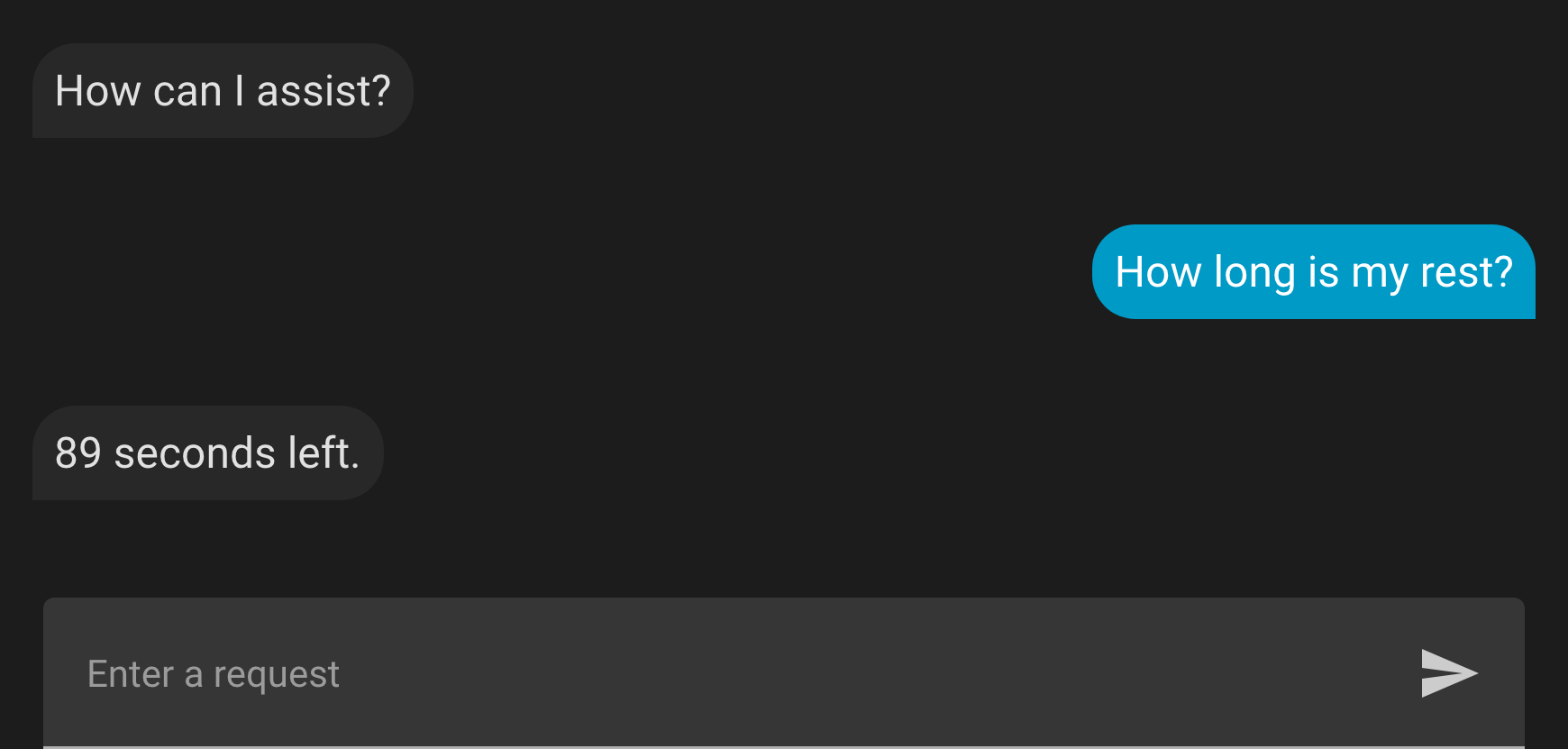
Expose the RAW entities you want in Settings › Voice assistants › Expose, and Assist answers questions about them.
Add a sentence of your own, as the guide shows, and ask how long your rest has left.
Where it works
- Home Assistant
- 2026.11 or later.
- Your phone
- RAW on iPhone or Android, signed in, on the same network as Home Assistant the first time.
- Away from home
- Through Home Assistant Cloud or your own external URL, if you have one.
- Price
- Free, for everyone. The integration is open source.
Straight from your phone
- RAW seals what it sends with a key only your phone and your Home Assistant hold. Nothing passes through RAW’s servers.
- Everyone who can open your Home Assistant sees your exercises and records, and your routine names if you send them.
- Home Assistant keeps the history and puts it in its backups. Deleting your RAW account does not delete what your Home Assistant already holds.
- Photos never leave RAW.
Questions
Two people train at home. Does that work?
Yes. Each phone connects on its own, and each person gets their own RAW entities.
Can I stop sending for a while?
Yes. Turn off Send to Home Assistant in RAW. To remove it, delete the integration in Home Assistant.
Does it cost anything?
No. It is free for everyone, and the integration’s code is open, on GitHub.